Pipo Channel Settings & MIDI/OSC Mapping
When you select a channel in the config page, you will be presented both its input settings (pre-processing), its live value, and its output translation settings
Channel input settings
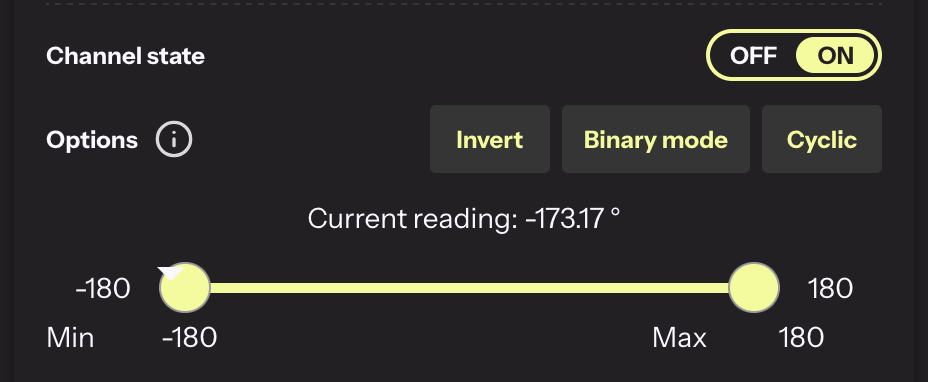
This section lets you change how the input data is prepared before being send translated.
Options
Tips
- Not all options described below are available for all channel types. This depends on sensor and channel category.
- The live sensor reading does not show the effect of the option applied
Invert: This will flip the input range. Min becomes max, and max becomes Min.
Binary Mode: This turns the continous input data into an binary output (ON or OFF). This allows you to set threshold levels in the sensor range. When the data is inside the active range (defined by the yellow dots on the slider), the output will be high, low when outside.
Cyclic: This wraps the input range into a circular output range. When the input travels from min to max, the output will start at min, reach its max halfway, and return to min. This is very useful is you have a sensing input that is discountinuous (This allows to turn inputs that are discontinuous by nature like an angular rotation when completing a turn --it can jumps from -180 to 180-- to an output wihtout discontinuities.
OverOut: When a chanel goes out of range, this allows you to choose if it goes back to its min or to its max
Raw mode: This allows to send the raw sensor data without any translation or scaling to the output. (only for OSC)
Output Midi settings
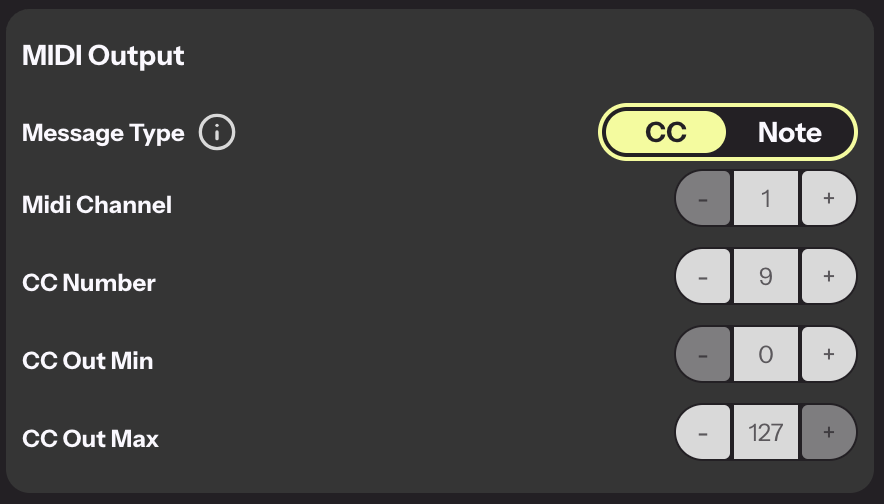
Midi CC settings
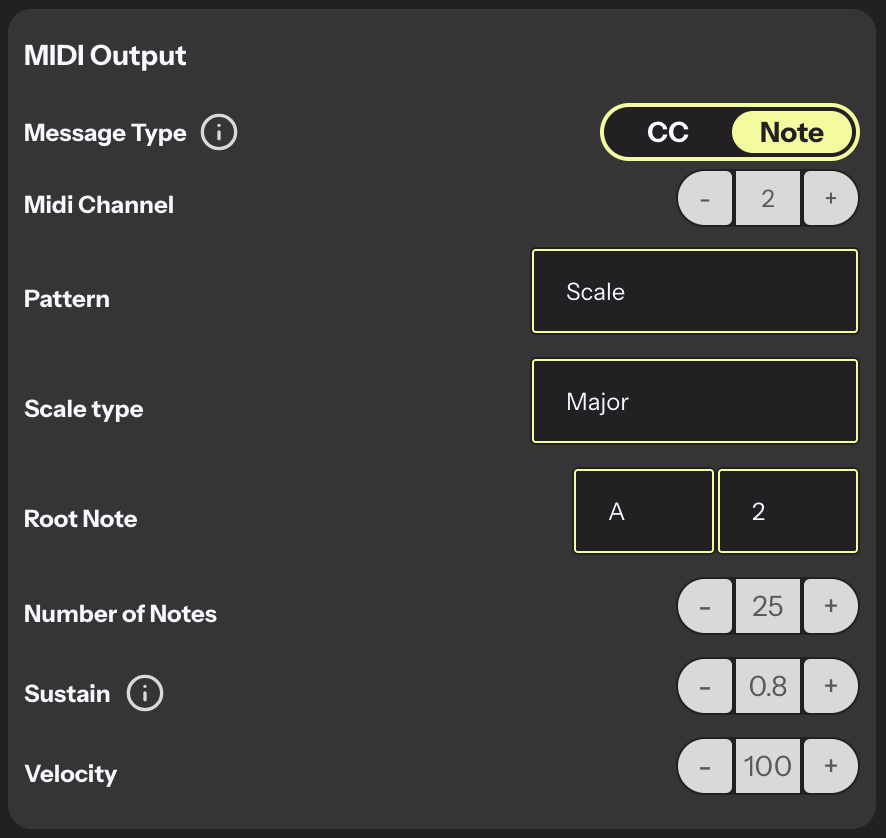
Midi Notes settings